
Keel First, Flight Next | Blocks Beyond the Stars on Mac
On the second press of E, the camera cut to a view from behind the ship. A red light and a green one glowed as the starter ship rose off the ground. Once it cleared the clouds, the words “In space” appeared at the top of the screen.
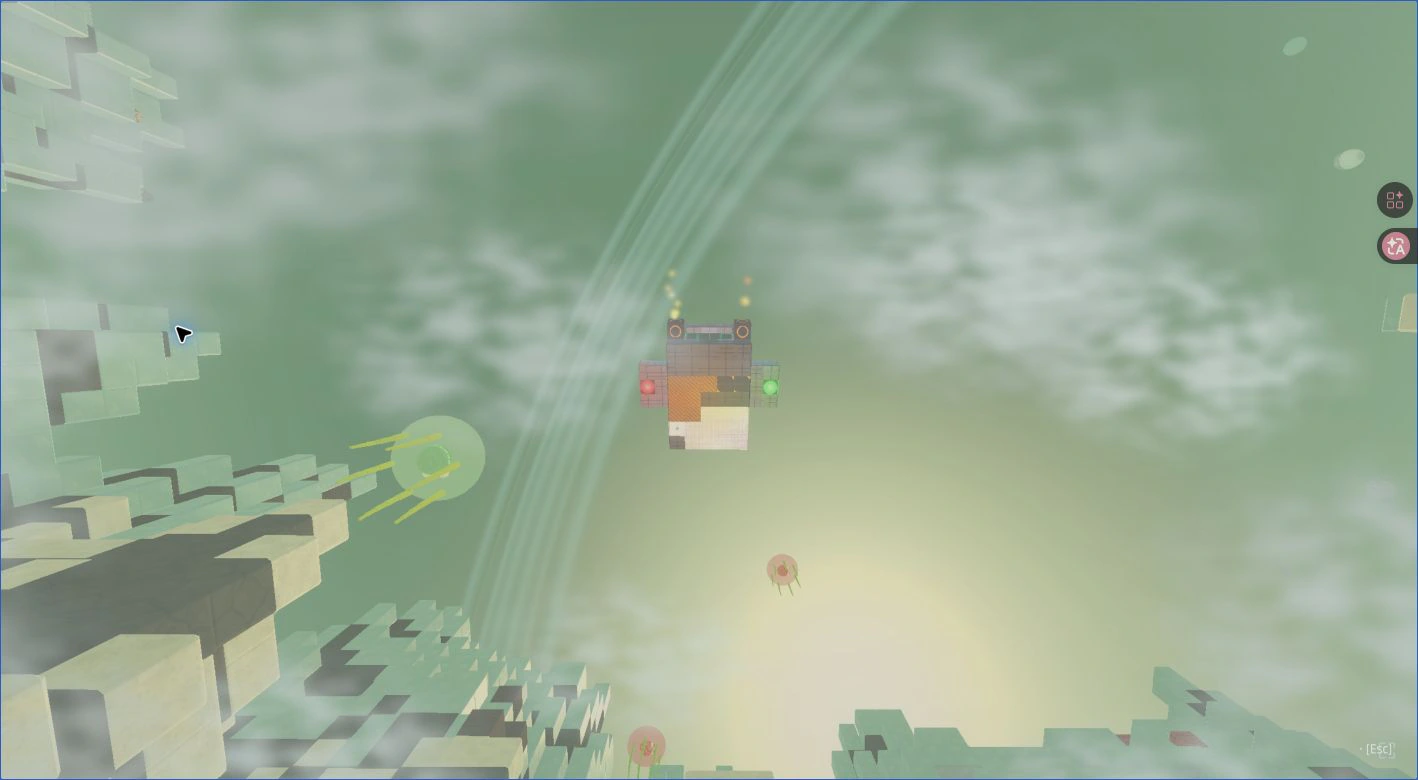
The “1” on the landing map
In Blocks Beyond the Stars, you can build a spaceship one block at a time. Enter a nickname in the official browser version to start a single-player world. You begin inside a ship. When VEGA offers the option to skip basic training, hold N to take it. Walk up to the helm and press E to open the launch prompt, then press it again to lift off. Official browser demo
In space, I held W for about two seconds. The speed readout climbed to SPD 12.9 and thrust reached THR 100%. The numbers were tucked down at the bottom of the screen, next to a tutorial tip from VEGA.
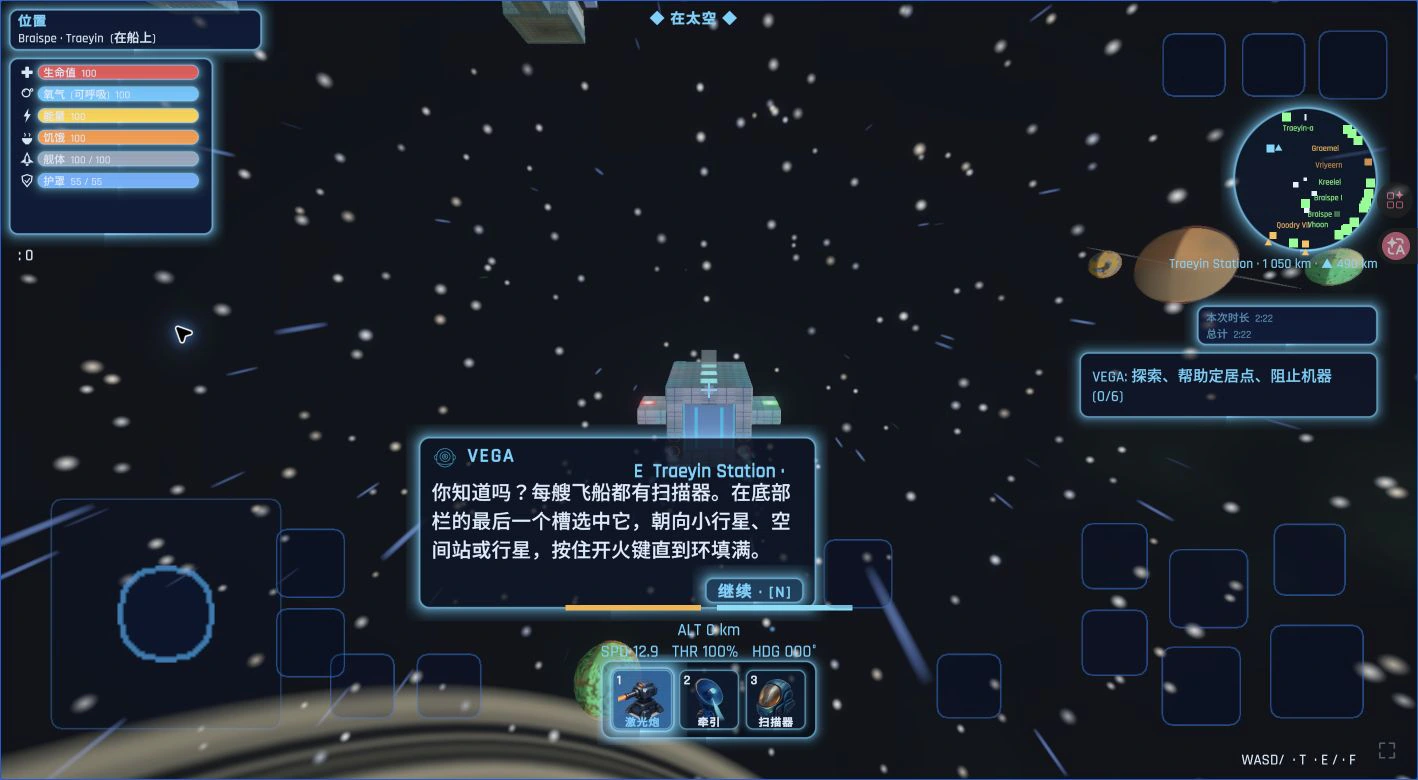
Getting back took an extra step. I pressed L to open the landing map. The numbers looked like buttons. Clicking them had no effect in this session. Pressing 1 on the keyboard started the descent. After touchdown, the view returned to the cabin. Game manual
Two blocks in the grass
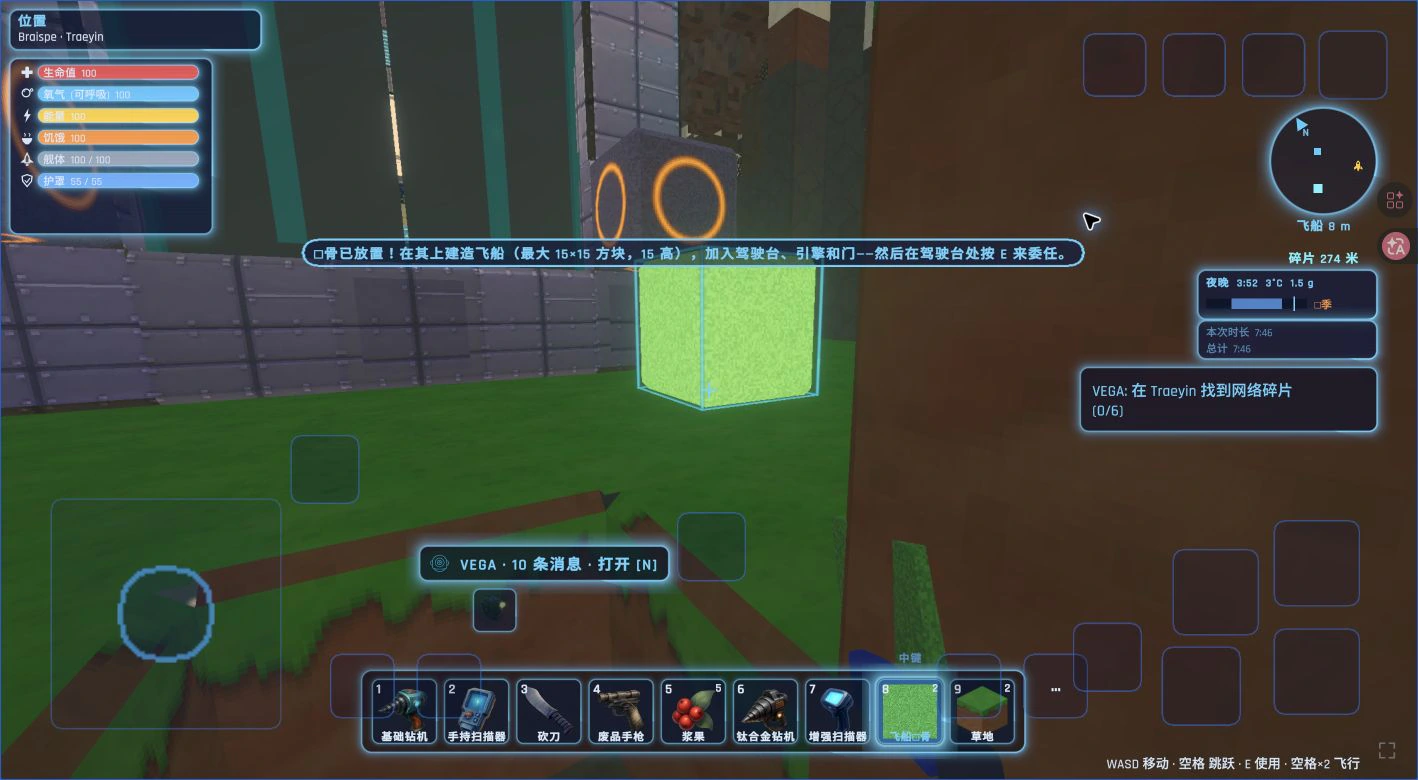
After landing, I pressed Enter and typed /gamemode sandbox to switch to Sandbox. From the Tab menu I opened “All items,” took a ship keel and a helm, and put them in the hotbar. On the grass behind the starter ship, I aimed at the ground and right-clicked to place the keel. A bright green block appeared, with an on-screen message saying I could build the ship from there.
As soon as I attached the blue helm beside the keel, a prompt below the crosshair told me to press E to commission the ship. I tried it. The game said it was too small to fly. It needed at least 20 blocks. All I had on the grass were those two. There wasn’t even a cabin to stand in.
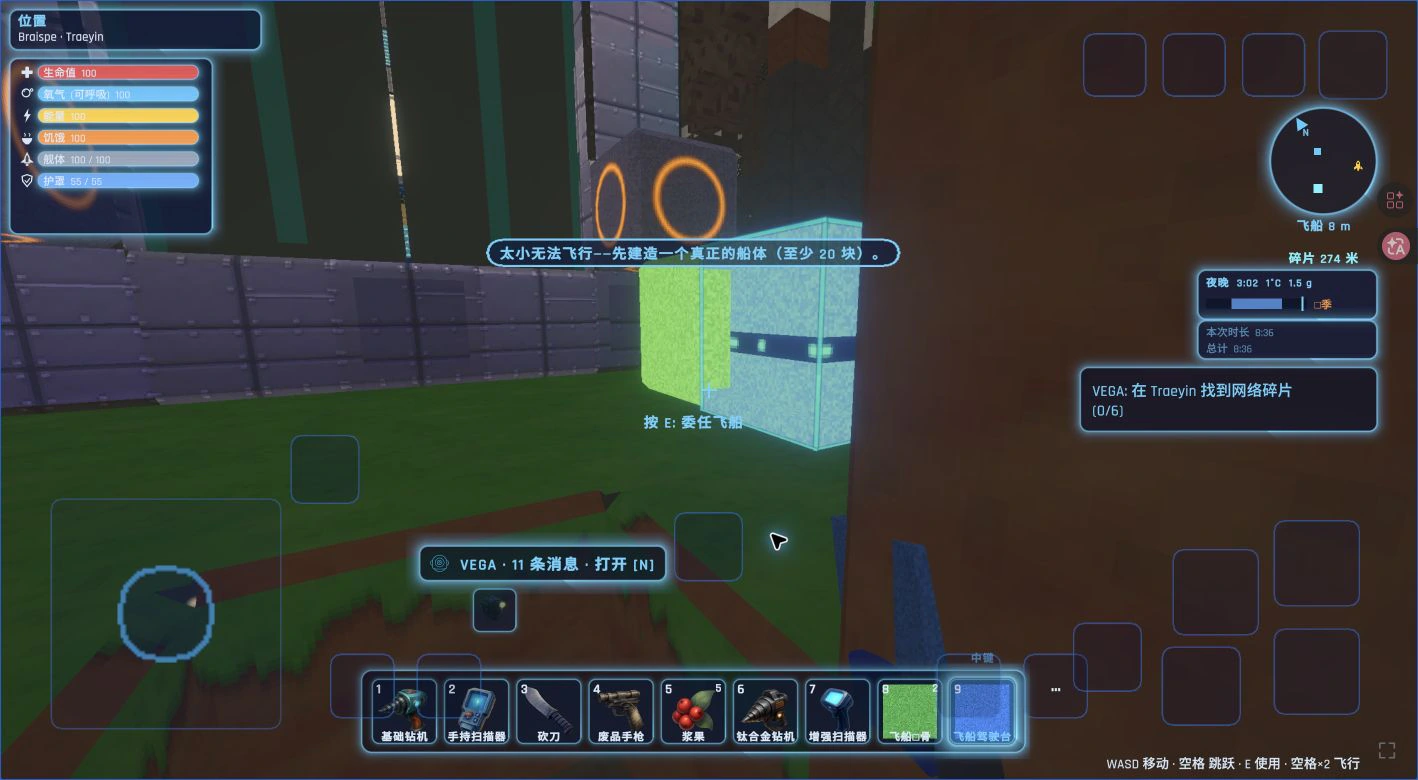
The developer’s build notes explain the rest of the inspection. A ship needs exactly one helm, at least one engine, and a door. The cabin also has to be airtight. If outside air can find a way in through a gap, the ship fails inspection. Developer’s shipbuilding notes
I attached an iron wall block beside the keel and mounted the engine on it. When I wrapped up, the sliding door was still in the inventory and the unfinished ship was still on the grass. Before I press E again, I’ll need to enclose the cabin and leave a spot for that door.
The official beta browser version was tested in Chrome on an Apple silicon Mac on November 23, 2026, Beijing time. The game menu showed version 2026.11.27. Keyboard and mouse input resumed after I switched back to the game tab and dismissed a pointer lock error. Some menu labels failed to appear, and the game also showed a warning about slow performance. The starter ship took off and landed. The custom ship has yet to pass inspection or take off.
JuMaVe Games developed the game. Codex played it on this Mac and captured the screenshots. ChatGPT helped organize the test notes, check the documentation, and draft the article. PocketPorts’ original project overview · Game source code